ArduPilot
.bin DataFlash logsImport supported flight and battery messages in the local dashboard. Available fields depend on the recorded log.
Local import available✣ Battery intelligence. Clearer flight records.
The modern fleet workspace for Indian UAV operators. Scan battery QR stickers, organize your flight records, and prepare company-branded reports with the evidence behind every mission.
Early access · Online web workspace · Android device testing pending
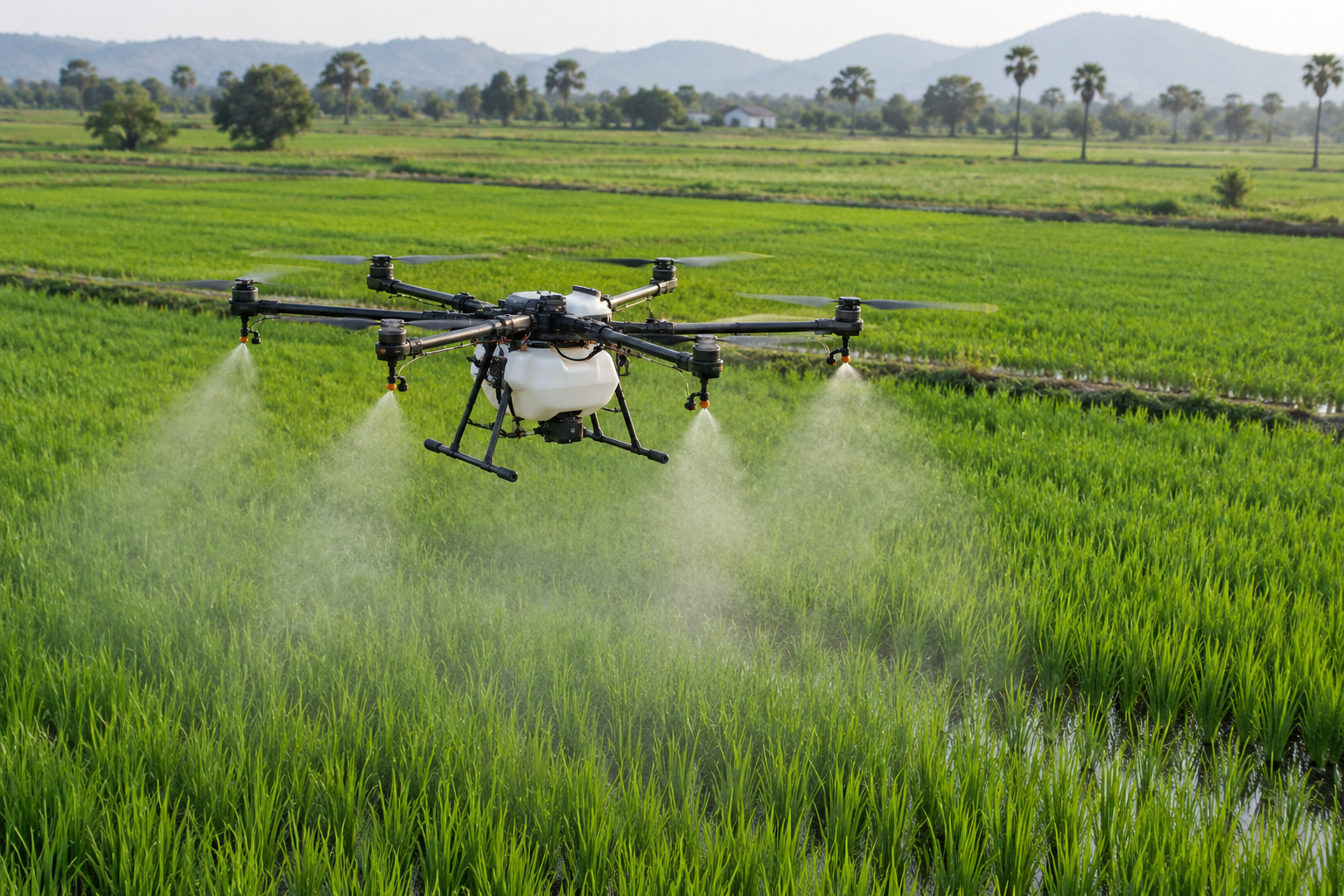
Illustrative image and sample data. Health and compliance are not verified.
YOUR HARDWARE. ONE WORKSPACE.
Supported log imports and compatibility checks for the equipment your team uses. File import does not require a live connection to your aircraft.
Import supported flight and battery messages in the local dashboard. Available fields depend on the recorded log.
Local import availableImport supported MAVLink telemetry messages. Review timestamps and flight boundaries before exporting.
Local import availableArduPilot .bin logs use the local DataFlash parser. Compatibility depends on the installed firmware and recorded messages.
Sample validation requiredArduPilot .bin and supported MAVLink .tlog formats can be imported. PX4 .ulg files are not supported yet.
Compatibility depends on formatSupported MAVLink .tlog files can be imported locally. Other recording formats need separate validation.
Sample validation requiredVendor log samples are needed to confirm the format and available battery measurements.
Vendor validation pendingYOUR INDUSTRY. YOUR WORKFLOW.
Explore the operational context behind each mission.
Illustrative industry imageLOGSKIES FOR YOUR TEAM
Keep physical battery identities and preflight records organized across field teams and repeated spraying missions.
Pack health94%
Cell delta0.02 V
Cycles82
FROM PACK TO PAPERWORK
Try the sample workflow below. No real flight log is uploaded or processed.
Attach a waterproof QR label to each pack. Scan its identity before the mission.
Try this simulated preview, or import a real supported .bin or .tlog in the dashboard.
Download a sample manifest, then preview company-branded reports in the workspace.
Download demo manifestDemo draft; official eGCA format verification pending.
YOUR COMPANY. YOUR RECORDS.
Your company logo, pilot details and flight evidence in one clear record pack. Review missing evidence before presenting a report for an audit.
Preview branded reports →Readiness is reviewed, never assumed.
GROW WITH YOUR FLEET
Proposed launch pricing. Trial enrollment, checkout and UPI AutoPay are not active yet. Taxes and final limits to be confirmed.
Billed monthly
A consistent foundation for small fleets.
Billed monthly
Deeper visibility for growing field teams.
Let’s discuss your fleet
An operational workflow built around your team.
Current prototype capabilities and planned launch features.
| Feature | Starter Fleet | Pro Fleet | Enterprise / RPTO |
|---|---|---|---|
| Route airspace evidence review | Local map review | Local map review | Local map review |
| Telemetry ingestion (.bin / .tlog) | Local import | Local import | Local import |
| QR identification / health estimates | ✓ QR / qualified estimates | ✓ QR / qualified estimates | ✓ QR / qualified estimates |
| Maintenance schedules | — | Planned | Planned |
| Incident declarations in flight records | Local records | Local records | Local records |
| Branded record / eGCA export | ✓ Draft / planned | ✓ Draft / planned | ✓ Draft / planned |
| Multi-pilot management | ✓ Org membership | ✓ Org membership | Custom workflow planned |
THE KNOWLEDGE HUB
Practical introductions to battery records, telemetry and compliance evidence.
Identify each pack, preserve the load context, and review comparable observations.
Read guide →
Bring pilot, aircraft and mission evidence together before preparing your submission.
Read guide →
Find the onboard log and retain an original copy alongside your operational record.
Read guide →A FEW THINGS TO KNOW
Create and confirm an account, create your organization, register batteries and drones, download battery QR labels, save preflight associations and upload your company logo. These records are stored in Supabase and persist after reload. Android uses the same backend; real-device validation is still pending. Imported flight history remains local to the dashboard browser.
A 15-day trial is planned for launch. Enrollment and billing are not active yet; the interactive demo is available now, and you can prepare an inquiry for launch access.
UPI AutoPay is planned. Payment processing and recurring subscriptions have not been connected.
The first release is online-only. Shared fleet data and preflight records require an internet connection; offline sync is not included yet.
No. Applicable airspace restrictions, permissions, pilot credentials and other requirements must also be checked. Some green-zone areas near airports have a lower vertical limit. Use official current information before flight.
Yes. Upload your organization’s logo in the workspace to include it in printable report headers. Current reports are drafts with visible evidence gaps.
Reports include parsed telemetry, company branding, source-file hashes and a pass/fail/pending evidence checklist. They remain drafts: official eGCA format acceptance, authoritative airspace information and operator evidence must be verified before a compliance claim.
The local dashboard accepts ArduPilot DataFlash .bin and supported MAVLink .tlog files up to 50 MB. PX4 .ulg files are not supported yet. Available measurements depend on the source log; customer logs still need validation.
Flight logs, observations and reviews are saved in this browser. They do not yet sync to Android or another computer. Clearing site data removes them, so retain original logs and export evidence backups.
No. Capacity and voltage-sag scores require sufficient measurements, a qualified discharge and comparable baseline conditions. Missing evidence leaves health unassessed. A QR scan identifies the pack; it does not measure battery health.
A complete parsed interval can match one unused preflight for the same aircraft within 30 minutes. Missing or ambiguous matches require the pilot to select the physical pack. Review arming intervals against actual takeoff and landing.
Open Reports in the local dashboard after importing a flight. Add your company name and logo under Company settings, review the flight evidence, then use Print / Save PDF, flight CSV or evidence JSON. PDF layout and file downloads still need final browser validation.
YOUR NEXT MISSION STARTS HERE
Explore the workflow, from a physical battery to a branded report.